

Application Description
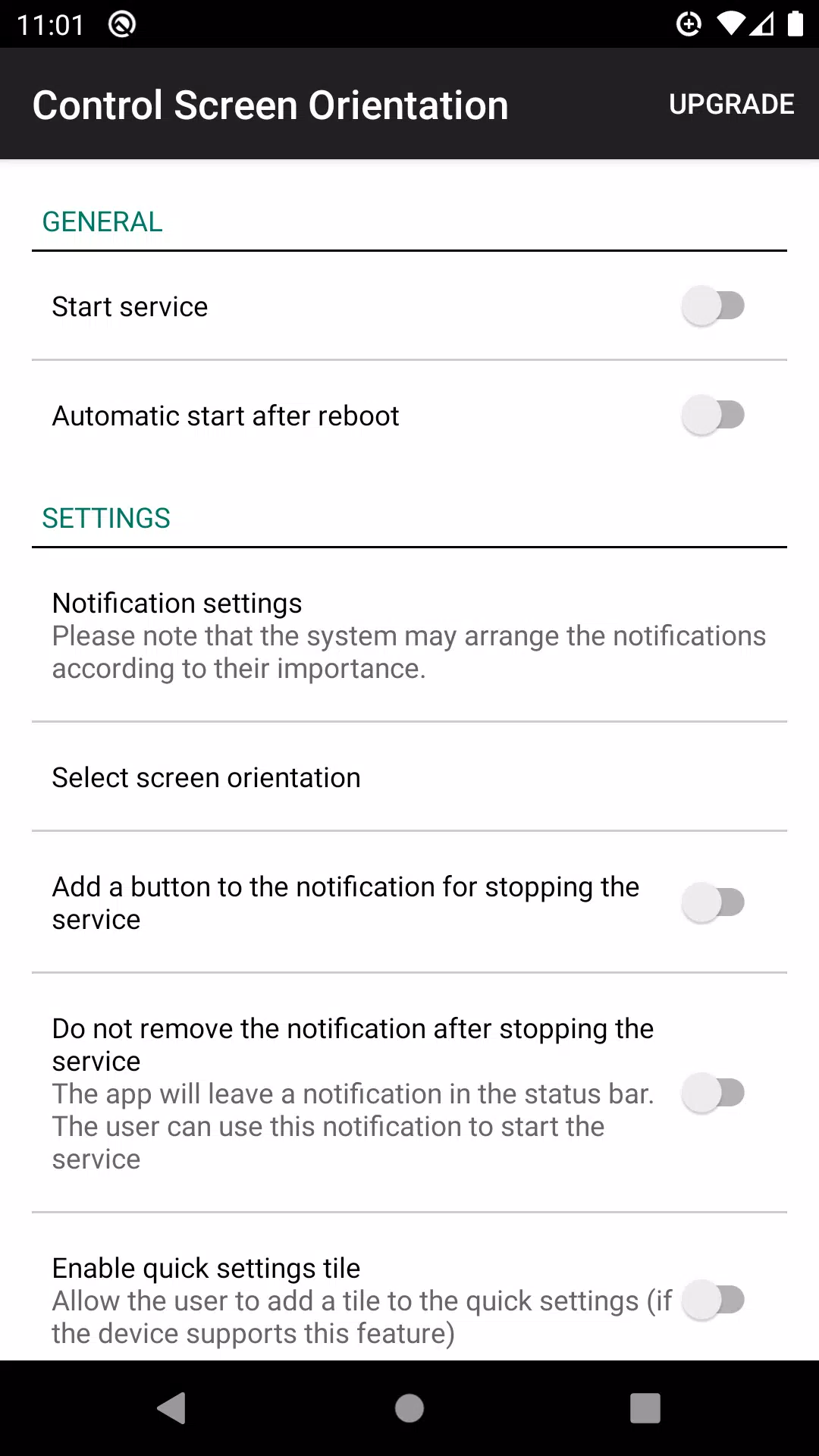
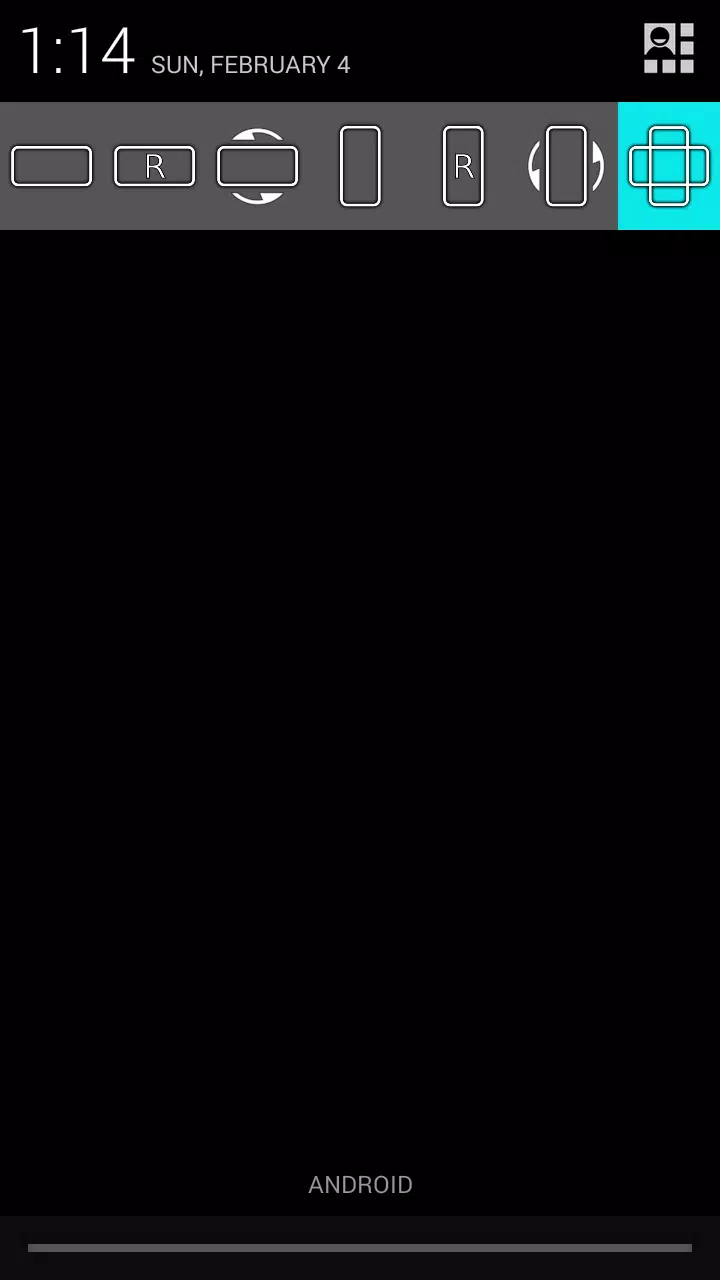
Effortlessly manage your screen orientation directly from your device's notification bar. With this handy feature, you can prevent your screen from auto-rotating and select your preferred screen orientation for any application you're using.
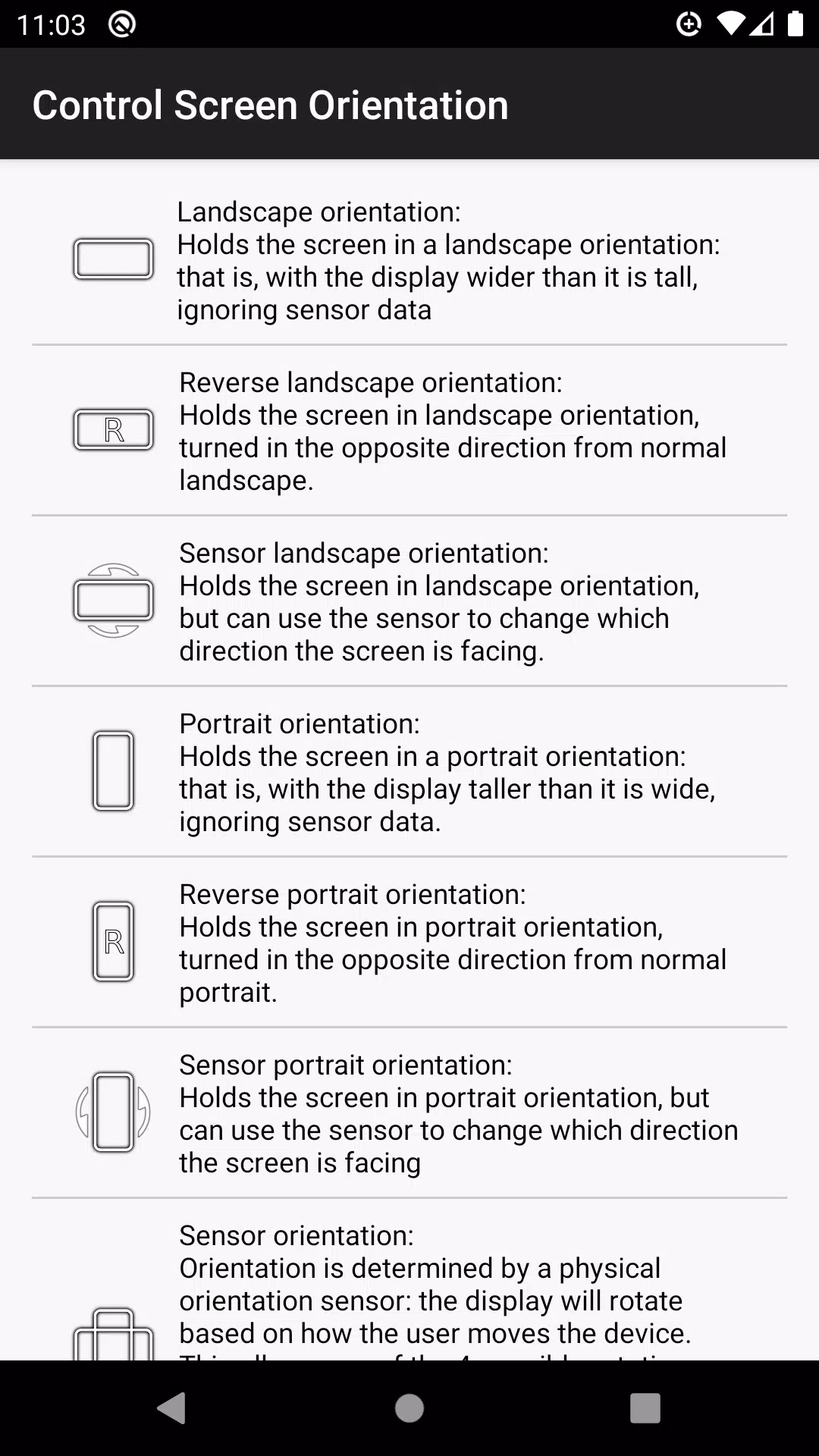
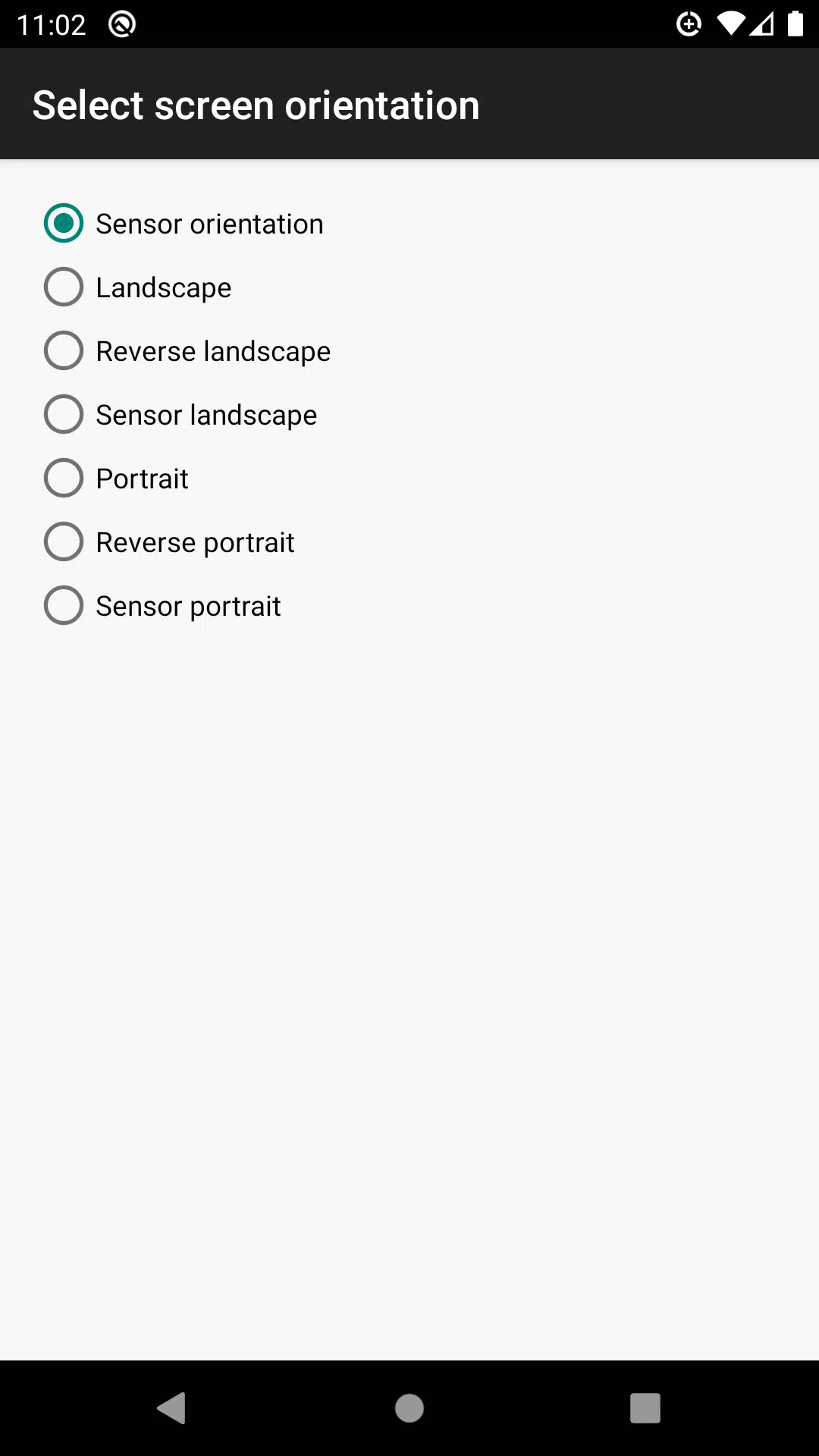
Choose from a variety of available orientations to suit your needs:
- Landscape
- Reverse Landscape
- Sensor Landscape
- Portrait
- Reverse Portrait
- Sensor Portrait
- Sensor Orientation (Auto Rotation)
Please note that some screen orientations may not be available on all devices due to hardware limitations.
What's New in the Latest Version 4.1
Last updated on Apr 30, 2024
Bug fixes to enhance your user experience.
control screen rotation Screenshots
Reviews
Post Comments
Trending Games
Trending apps












Topics
More
Latest Articles
More


Team Cherry Confirms Silksong Release Timing
Dec 15,2025
Arcade Game: Defeat the Wizard's Curse
Dec 14,2025
PGA Tour 2K25 Reveals Cover Athletes
Dec 13,2025
Midnight Walk DLC & Preorders Open
Dec 12,2025